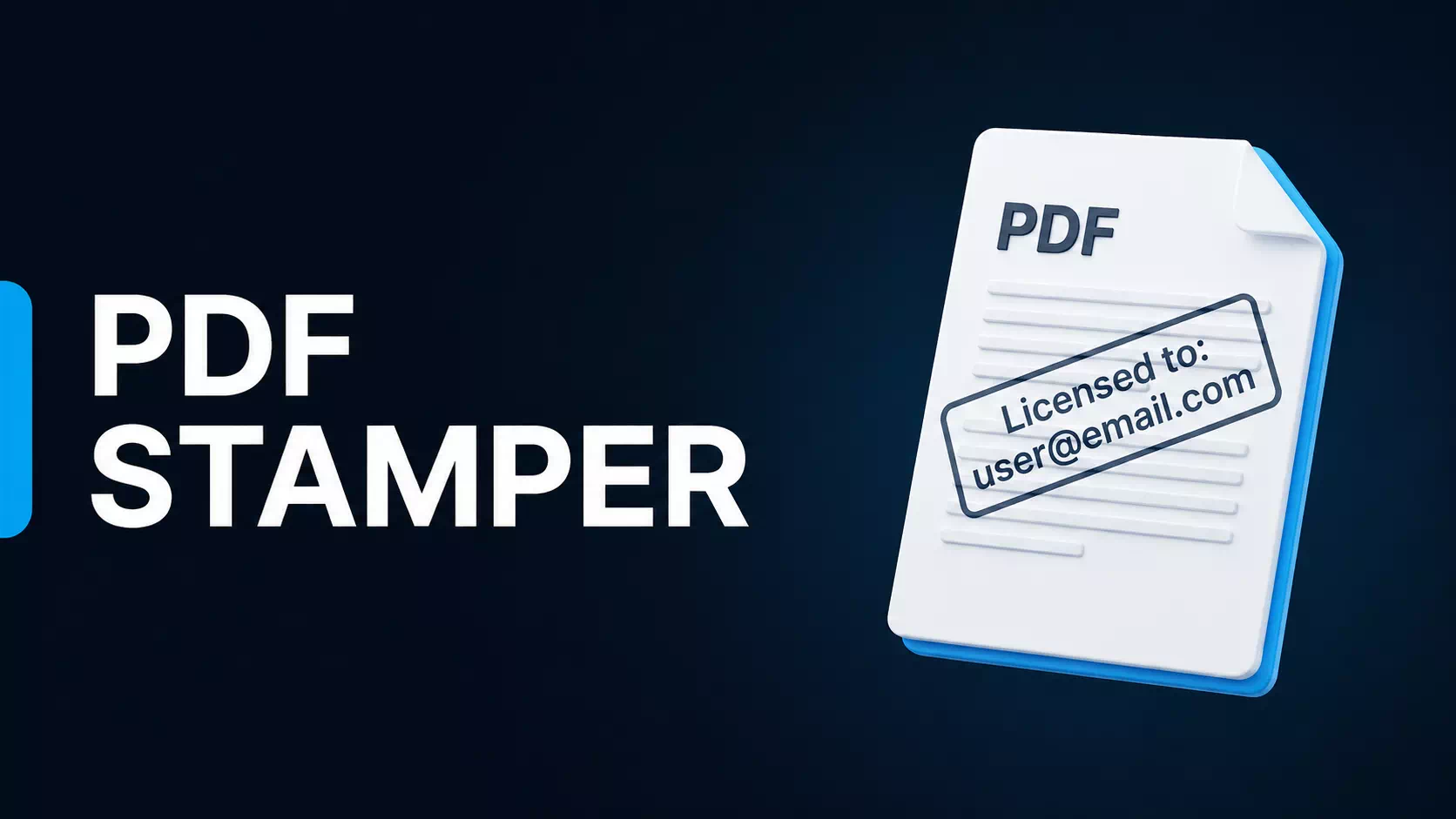
Selling PDFs on Lemon Squeezy? You’ve Probably Run Into This Problem
If you’re selling PDFs on Lemon Squeezy, there’s a good chance you already discovered something frustrating:
There’s no native PDF watermarking.
Which honestly surprised me because platforms like Gumroad already have this built in.
For digital products like ebooks, guides, journals, templates, or courses in PDF format, watermarking feels like a pretty basic anti-piracy feature.
Normally, you’d expect something simple:
Someone buys → their copy gets personalized → they receive the watermarked PDF.
But with Lemon Squeezy… that functionality still doesn’t exist.
People have been requesting it for years, but it still hasn’t been added.
And I didn’t feel comfortable selling PDFs without at least some protection.
Not because watermarking completely stops piracy.
It doesn’t.
But adding the buyer’s name and email directly into the PDF creates enough friction that casual sharing becomes less attractive.
So I started looking for solutions.
Most of what I found was either:
- expensive monthly SaaS software
- overkill for simple PDF delivery
- or required custom development
At first I created a quick workaround directly inside a WordPress file.
But after testing it, I realized making it into an actual WordPress plugin made way more sense.
So I turned it into a plugin.
How It Works
- Customer buys your PDF through Lemon Squeezy.
- Lemon Squeezy sends purchase data to WordPress using a webhook.
- The plugin automatically stamps the PDF.
- The personalized PDF is instantly emailed to the buyer.
What Gets Added to the PDF
You can dynamically insert:
- First Name
- Last Name
- Email Address
You can also choose:
- footer watermark
- watermark inside page content
- exactly which pages should be stamped
Installation
Step 1 — Install the plugin
Upload and activate the WordPress plugin.
Step 2 — Create Lemon Squeezy webhook
Go to:
Settings → Webhooks
Create a new webhook and connect it to your WordPress endpoint.
Step 3 — Upload your PDF
Select the original PDF you want protected.
Step 4 — Configure stamping
Choose:
- pages
- position
- watermark content
Step 5 — Test a purchase
Make a test order and verify:
- webhook fires
- PDF gets generated
- buyer receives email
That’s it.
I’m selling it for $5 because I originally built it for myself and figured other creators are probably running into the same issue.
If you’ve been waiting for Lemon Squeezy to finally add native PDF watermarking… this solves it today.